Online store

An online store with no commission. On your own terms

You sell, you earn. Every dollar stays in your pocket, because WebWave never takes a cut of your sales. Build your store yourself, with no coding and no dependence on someone else’s platform.

Online shopping — paying by contactless card next to a laptop
E-commerce

Online store features in WebWave

Manage products, categories and stock levels

Add products, edit descriptions and photos. Track stock levels and organize your range into categories. Everything in one place.
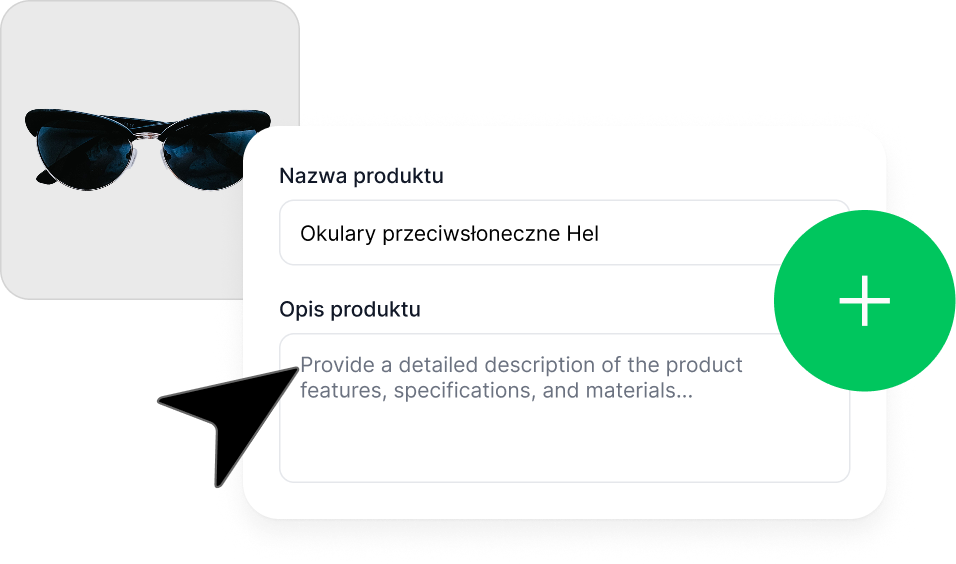
Add-product form in the WebWave panel

Online payments: Autopay, Przelewy24, Stripe, PayPal

Support every popular payment method. Set your own shipping costs and choose from the most popular delivery options.
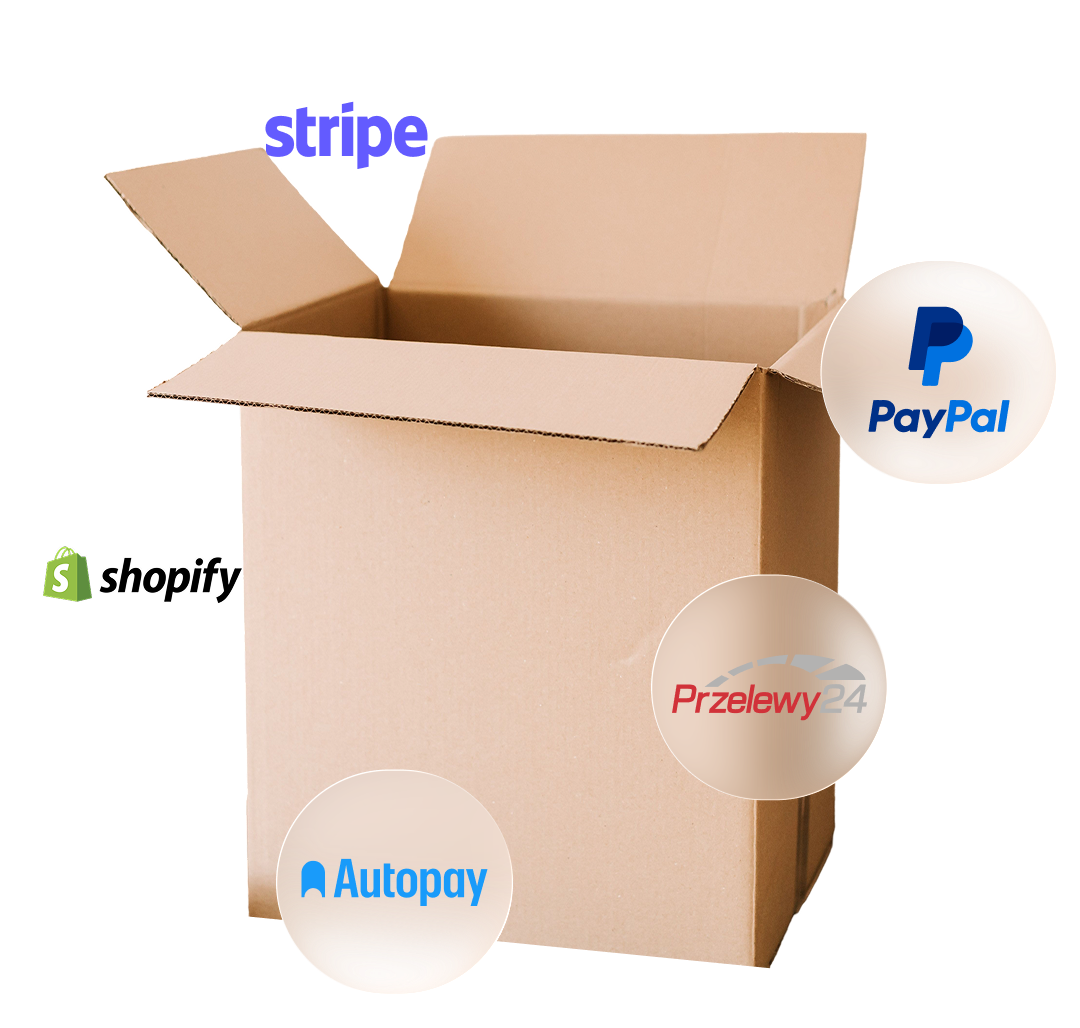
Payment and delivery methods – Stripe, PayPal, Shopify, Przelewy24, Autopay

Sell digital products

E-books, online courses, downloadable files – sell digital content easily and without limits.

Selling an online course in the WebWave panel

Discount codes, promotions and no commission

Create discount codes and run special offers. No commission on sales, every dollar goes straight to you.
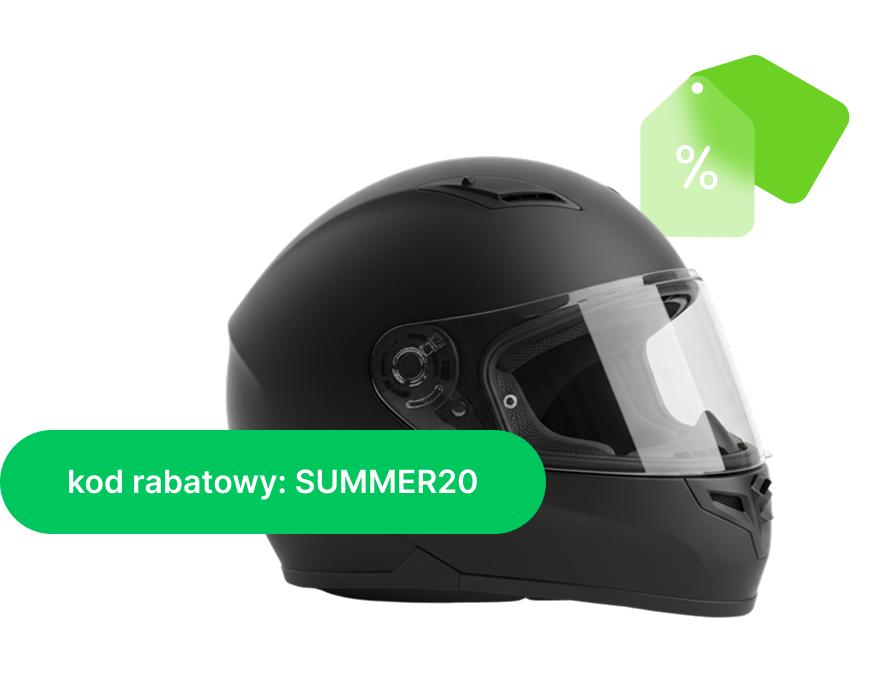
Store integrations: payments, shipping, marketing +

WebWave works with dozens of apps you already use – from payments to marketing to bookings. Connect them in a few clicks.

Need something custom? AI widgets let you build your own solution.
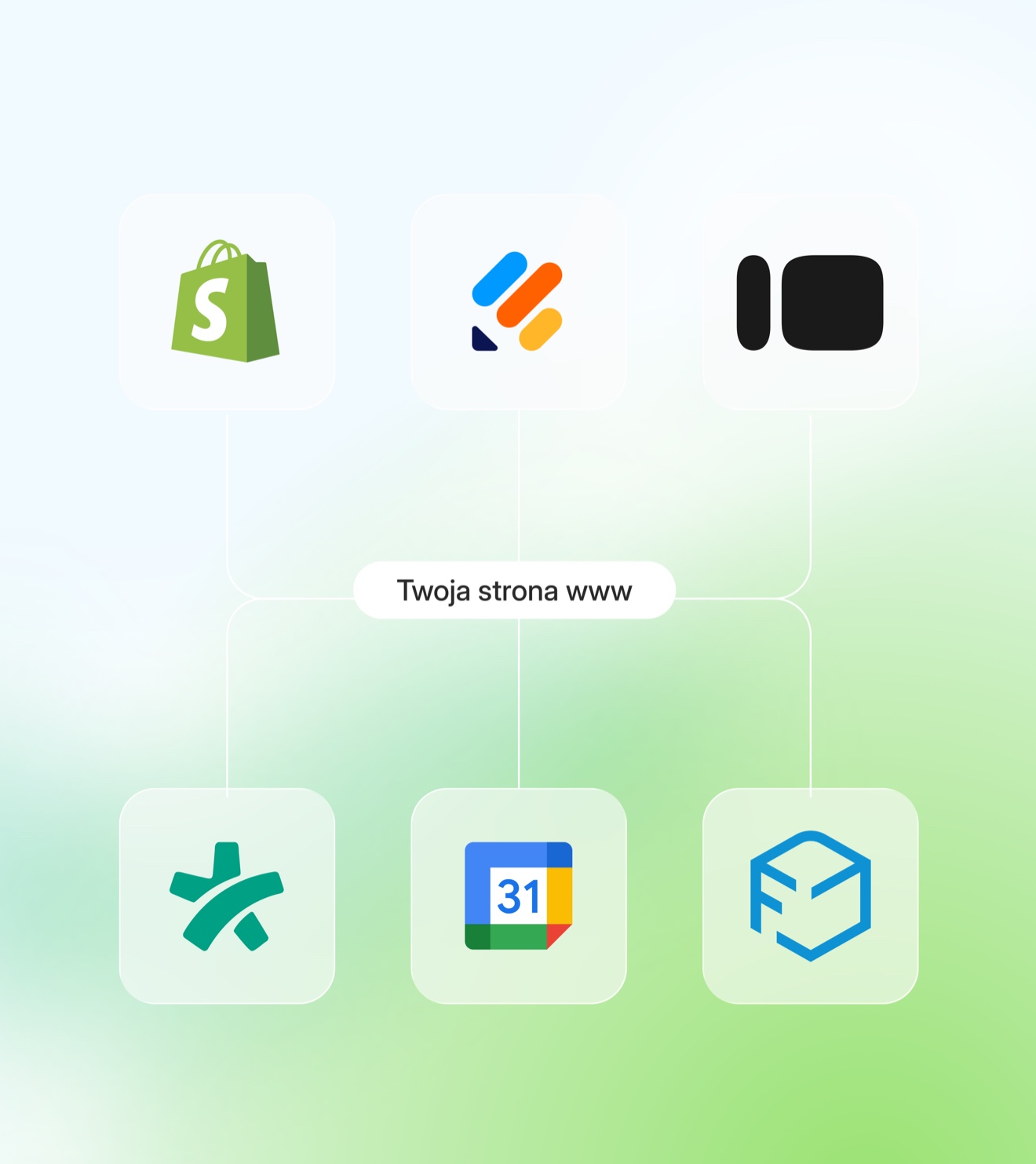
See the integrations →
Diagram of WebWave integrations — apps connected to your site
Packing orders and generating a shipping label

Free templates for your online store

You don’t have to start from scratch. Pick a ready-made store template and adjust every element to your brand – colors, fonts and layout.

See all templates →

SEO for your online store:
ranking in Google and AI

Customers start with a search engine, and that’s where they need to find your store. WebWave gives you SEO tools that help you rank higher in Google and stay visible in AI Overviews.

Explore SEO features →
WebWave SEO tools – ranking your store

Learn more about running an online store

Knowledge that helps grow your store – from the first steps to advanced marketing and SEO strategies.

Articles on selling online →

FAQ

Got questions?
We have answers.

With WebWave you can build and publish an online store for free and without a credit card. All design features and templates are available right away. A custom domain and indexing in Google require the Business plan (65 PLN/month), which includes a free .pl domain for the first year. On the free plan your store runs on a WebWave subdomain. You can design, add products and test store features free of charge during a 14-day trial.

You can sell online without a registered business by using unregistered activity (as long as revenue doesn’t exceed 75% of the minimum wage per month, roughly 3,200 PLN gross in 2026). Unregistered activity exempts you from CEIDG and ZUS registration, but you still need to issue receipts and settle tax. As an all-in-one platform, WebWave simplifies running such a store: one panel for orders, payments and deliveries.

A store in WebWave costs 65 PLN net per month (Business plan) – including hosting, an SSL certificate, a .pl domain for the first year and every store feature. WebWave never takes a commission on sales. The Business plan includes: unlimited products, payment integrations (Przelewy24, PayPal, Stripe, BLIK), delivery management, stock levels, invoices and discount codes. No hidden fees.

In WebWave you start selling in 4 steps: create an account → choose a store template or use AI → add products from the panel → set up payments (Przelewy24 or another provider). The whole process takes about 30 minutes. The Cart feature is available directly in the store settings. You add products with one click: description, price, photos, variants and stock level. A detailed guide is available in the Knowledge Base.

Start with SEO and social media, since they’re the lowest-cost channels to begin with. WebWave offers a built-in SEO Writer and Keyword Monitoring that help you gain organic traffic without an agency. Next steps: Google Ads and remarketing, gathering Google reviews, activity on Instagram, Facebook or TikTok (depending on your product). WebWave also lets you integrate the Meta pixel and Google Analytics directly from the panel.

In WebWave you can connect Przelewy24 (BLIK, fast transfers, cards), PayPal, Stripe and traditional bank transfer. Przelewy24 is the largest Polish online payment provider. Setting up each provider takes a few minutes from the store panel. You can activate every method at once and let customers choose at checkout. A detailed guide to the Przelewy24 integration is available in the Knowledge Base.

Every store built in WebWave has a free SSL certificate (HTTPS) activated automatically with no configuration. SSL encrypts customer data in the browser and is required by Google for indexing. Sites without SSL are flagged in Chrome as “Not secure,” which drives customers away and lowers conversion. In WebWave the certificate renews automatically, so you don’t have to do anything.

Yes, on the Business plan a .pl domain is included free for the first year. Connecting your own domain from an external registrar (e.g. GoDaddy, Namecheap) requires adding a CNAME record in your DNS panel. If you buy the domain through WebWave, it connects automatically. A domain from an external registrar can take up to 24 hours to propagate. Once connected, WebWave configures SSL automatically.

Hosting in WebWave is included in the subscription, with no data limit and bandwidth suited to traffic spikes (e.g. Black Friday). You don’t need to configure a server or watch over backups. WebWave’s infrastructure handles both low-traffic stores and campaigns that generate sudden visitor spikes. Backups are automatic. Servers in the EU meet GDPR requirements.

A store’s terms and conditions must include: seller details (company name, tax ID, address), the ordering process, payment and delivery methods, return policy (14 days from purchase under consumer law) and a data-protection policy (GDPR). The terms should be visible in the footer and require acceptance when placing an order. You can use ready-made templates or consult a lawyer. Key point: the return period is 14 calendar days from receiving the goods.

Yes, WebWave supports selling e-books, online courses, graphics and downloadable files. After purchase, the customer automatically receives a download link, with no manual delivery on your part. Digital products are configured the same way as physical ones: add a file, set a price and publish. The system handles the whole transaction and delivery automatically.

Yes, you have full control over the look: colors, fonts, layout and graphics are edited with drag & drop, accurate to 1 px. You can also customize the mobile version separately. You’re not limited to ready-made templates, since every element of the product page, cart and store homepage can be changed with no code. WebWave also lets you add your own CSS or JS for advanced customization.

No, WebWave never takes any commission on sales. You only pay a fixed subscription (65 PLN net/month on the Business plan). On 10,000 PLN of monthly sales you save 200–300 PLN versus platforms that charge 2–3% commission. Typical e-commerce platforms take 1–3% of every transaction. In WebWave that fee is 0 PLN, regardless of your sales volume. This matters especially at higher turnover or product margins.

You can launch an online store in WebWave in 3 minutes using the AI builder: describe your business and AI generates a ready-made design with text and photos. Manual setup from a template takes about 1–2 hours. WebWave’s AI builder generates a complete store page — with a products section, contact form and footer — based on a short business description. You can start adding products right after the page is generated.

You can rebuild your store in WebWave manually, importing products, content and graphics. Automatic import from platforms like Shopify or WooCommerce isn’t available – you add products from the panel or via CSV. It’s worth planning the move in stages: first create a new project in WebWave, add products, set up payments and test it. Only switch off the old store after verifying the new one. The WebWave team helps with migration, and we’re available on chat 24/7.