Website builder with total design freedom
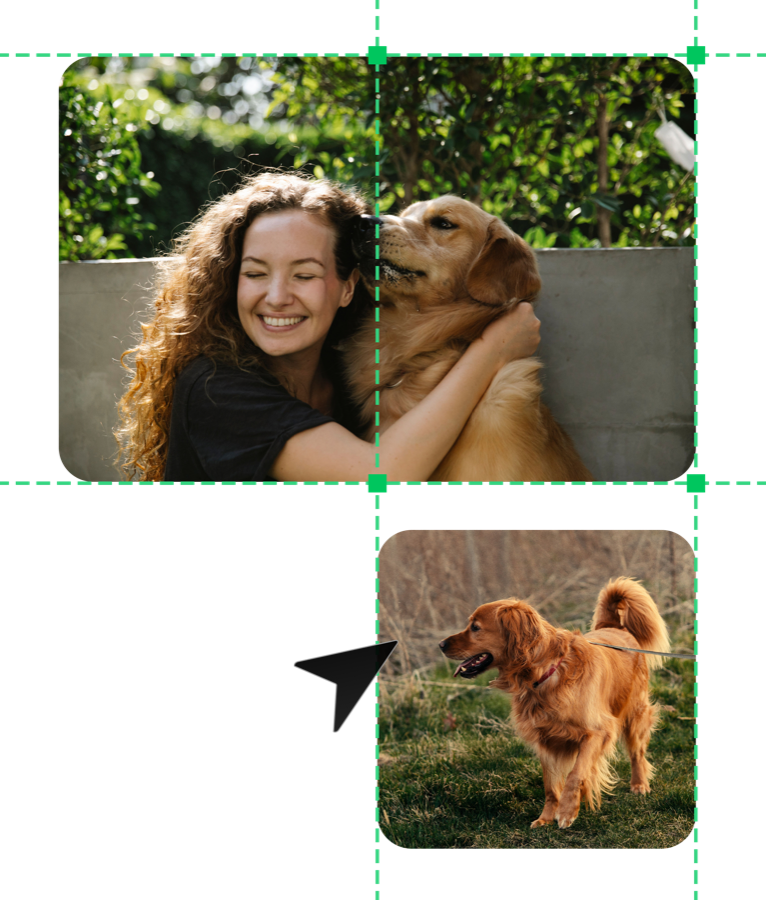
Drag and drop anywhere.
Move and drop elements wherever you want. Guides help you line elements up with each other. Total freedom — no frames, tables, or limits.
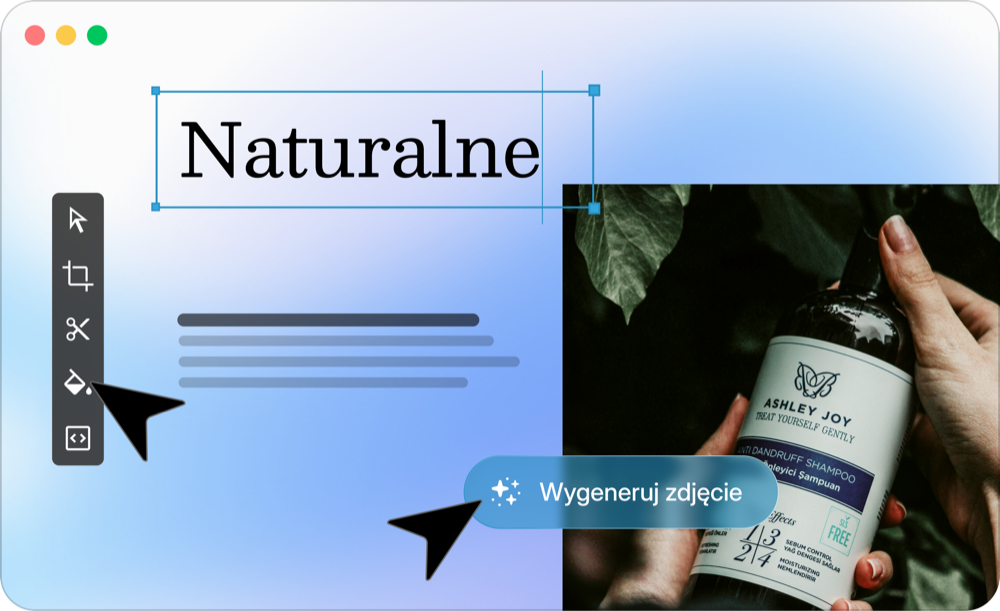
A clear interface.
An intuitive workspace, easy element placement, and a well-organized settings panel. Adjust the view to suit you and work at your own pace.
Adapt your site to every screen.
Check how your website looks on desktop, tablet, and mobile, and fine-tune anything you want to change.

Fiorire
Botanical Syrups
See moreFiorire
Botanical Syrups
See moreFiorire
Botanical Syrups
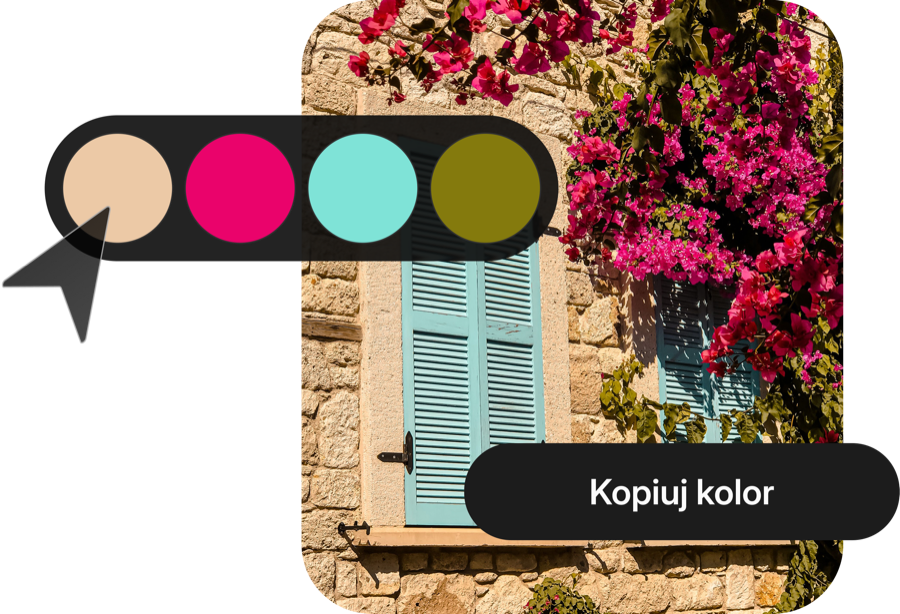
See moreColors under control.
Change your entire site's color palette in a few clicks and keep a consistent look across every element.
Dynamic size
and position of elements
Decide how much space an element takes up and where it should sit, regardless of the user's screen size.

Amaze with interactions
Make your website react to what the user does and stay in their memory longer.

Sticky elements
Pin a menu, banner, or CTA button to the screen so it stays visible even while the user scrolls the page.
Interactions
Decide how an element changes on hover, click, or scroll — hover effects, color changes, scaling, and more.
Animations
Set elements in motion. Headings that appear, images that slide in, or smooth transitions between sections.
Custom code
Need something custom? Add your own HTML, CSS, or JavaScript and extend your site without limits.
Integrations and add-ons
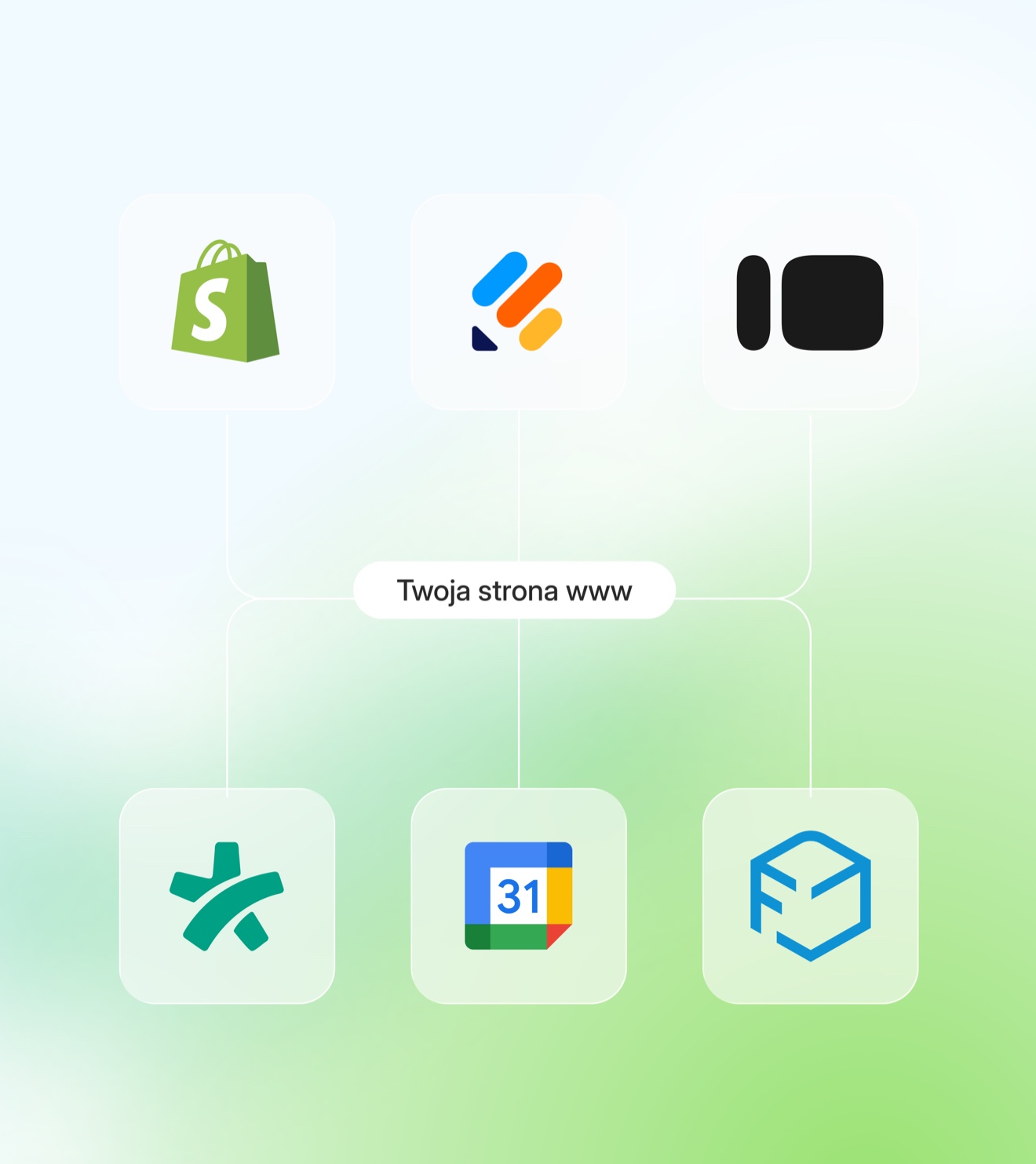
WebWave works with dozens of apps you already use — from payments to marketing to bookings. Connect them in just a few clicks.
Need something custom? AI widgets let you build your own solution.

Start with a ready-made template
Don't waste time designing. Pick a template that fits your business and get straight to writing.
Browse all templates →


No time to build your site yourself? We'll build it for you!
Order a websiteFAQ
Got questions?
We've got answers.
No, WebWave doesn't require any coding knowledge. You build your site by dragging and dropping elements in a visual editor that works just like a graphic design program. You can add code optionally, but it's never required. WebWave's interface is modeled after graphic design tools like Figma or Canva. You can position elements precisely down to 1 px, with no tables, frames, or grid restrictions.
Yes, WebWave offers 4 breakpoints (desktop, tablet, landscape phone, portrait phone), and each one can be adjusted manually. Changes on one device don't automatically overwrite the other views. In the editor, you smoothly resize the preview width and see the effect in real time. Dynamic px and vw units are available, letting you create elements that take up, for example, 100% of the screen height regardless of resolution.
Yes, WebWave provides free website templates available right after you create an account, with no credit card required. You pick a template that fits your industry and start editing right away. Templates include business-card sites, portfolios, stores, and blogs. You can also start from a blank canvas or use AI to generate a ready-made design based on a description of your business.
Yes, elements in WebWave can be freely overlapped, layered, and positioned anywhere on the page. No grids or tables means total layout freedom that most builders don't offer. You have guides to help align objects, a layers panel to manage element order, and the ability to group objects and copy styles between them.
WebWave offers scroll-triggered entrance animations, parallax and Ken Burns effects on photos, sliders, galleries, hover effects, and full control over element visibility on click — all without writing code. Advanced interactions let you change the appearance of any element in response to user behavior (hover, click, scroll). There's also an option to add your own JavaScript code for custom solutions.
Yes, the element-pinning (sticky) feature lets you attach any element (e.g. a menu, CTA button, or banner) to a chosen edge of the screen and release it at a chosen point on the page. This keeps your navigation or call to action visible throughout scrolling, which significantly improves UX and conversion on pages with long content.
Yes, WebWave lets you assign colors to a global palette and change the color scheme of the entire site in a few clicks. You don't have to manually fix every single element. Global styles also cover typography (custom fonts, heading and paragraph styles).
Yes, WebWave supports dynamic positioning and dynamic sizing of elements using vh and vw units. A column can take up a fixed percentage of screen width regardless of resolution. You can set an element's position relative to any edge of the screen, which eliminates layout problems on non-standard resolutions without manually adjusting every breakpoint.
WebWave integrates with dozens of apps: payment systems (Przelewy24, PayPal), marketing tools, booking systems, and analytics. Most integrations are set up in a few clicks, no code required. AI widgets are also available, letting you build custom functionality without hiring a developer. The list of available integrations keeps growing.
Yes, WebWave offers a website-building service by specialists. You place an order, provide guidelines, and receive a finished site built in WebWave that you can edit yourself afterwards. This is a solution for businesses and freelancers who want to use WebWave without spending time designing. Once the site is delivered, you have full access to the editor and can make changes yourself.